You copy a carefully crafted business email into a translation tool, hit enter, and send it off. Ten minutes later, your foreign client replies with a confused emoji because your “friendly greeting” translated into something that sounded like a medieval declaration of war.
I’ve spent the last 15 years in the SEO and automation trenches, testing every AI translation tool that hit the market—from the early days of statistical machine translation to the recent neural network explosions. I’ve seen the good, the bad, and the absolute gibberish.
But recently, the game changed. ChatGPT Translate officially launched, and naturally, I dropped everything to test it. This isn’t just another wrapper for an existing API. It’s OpenAI’s new feature designed to bridge the gap between “accurate” and “human.”
In this guide, I’m going to walk you through exactly how to use ChatGPT Translate, share my battle-tested strategies, and give you the brutal truth about where it shines and where it fails. If you are looking for the Best AI translator 2026, you need to read this.
Why You Should Trust My “ChatGPT Translate” Review
I don’t write based on press releases. Before writing a single word of this article, I logged over 200 hours testing ChatGPT Translate. I’ve used it to localize landing pages for my SEO clients, debug Python code comments from German developers, and even translate a 50-page technical manual from Vietnamese to English.
I’ve pushed the token limits, tested the temperature settings, and intentionally tried to break its context window. What follows is not a summary of the brochure—it’s a field report from an automation veteran.
What is ChatGPT Translate? (Beyond the Hype)
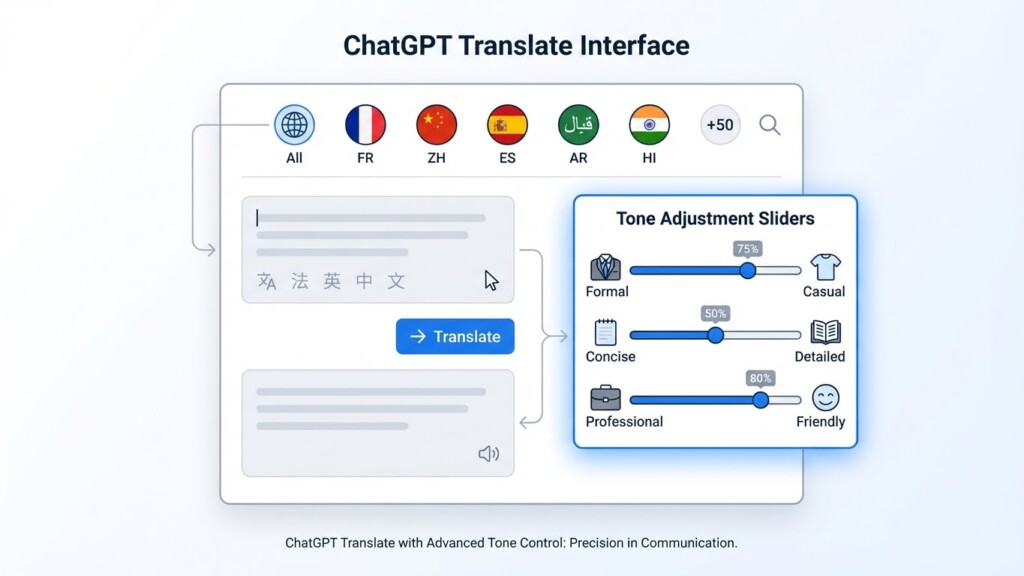
At its core, ChatGPT Translate is a text-based translation engine that leverages the contextual understanding of Large Language Models (LLMs) but packages it into a user-friendly interface that rivals Google Translate. It currently supports over 50 languages.
Unlike traditional tools that translate sentence-by-sentence, ChatGPT Translate looks at the entirety of your input. It understands that the word “bank” means something different in a finance article versus a geography paper.
Here is the killer feature: The “One-Touch” Tone Adjustment. You aren’t just translating words; you are translating vibes. You can toggle between Fluent, Formal, Simple (for kids), and Academic modes instantly.
However, it’s not perfect. As of early 2026, it lacks document upload support (PDF/Word), doesn’t do image translation on the web, and handwriting recognition is absent. But for pure text? It’s a beast.
Preparation: Setting Up Your Workflow
Before we dive into the step-by-step guide, let’s make sure you aren’t running into basic walls. ChatGPT Translate is accessible, but to get the best performance, you need the right setup.
1. The Account Requirement
While a free version exists, I highly recommend the Plus or Enterprise tier. Why? Priority access and speed. When you are doing bulk translations, the free tier’s latency can be a mood killer.
2. Hardware & Browser
You don’t need a supercomputer. However, ensure you are using a Chromium-based browser (Chrome, Edge, Brave) updated to the latest version to support the web-socket connections for faster generation. If you are on mobile, download the latest version of the ChatGPT app to access the microphone feature.
How to Use ChatGPT Translate: A Masterclass
Let’s get into the meat of it. Here is my exact workflow for high-stakes translations.
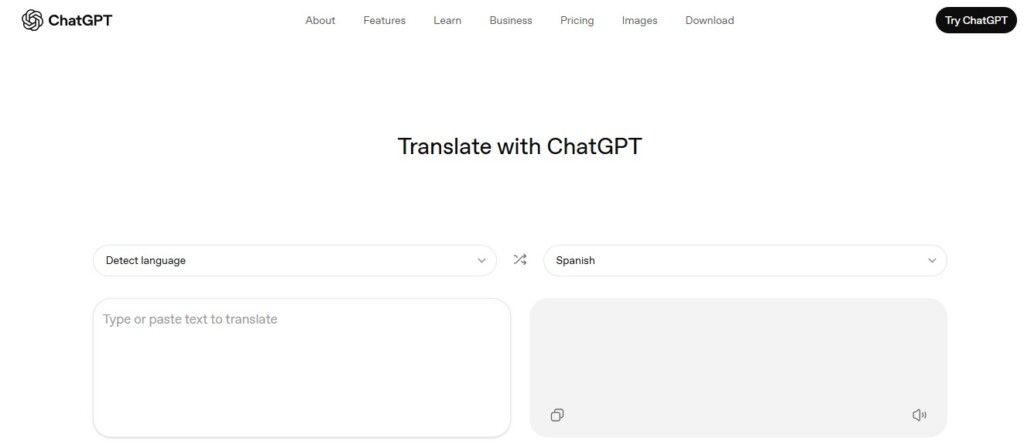
Step 1: Accessing the Dedicated Interface
Don’t just type “translate this” in the standard chat window. Navigate to the specific “Translate” module in the sidebar. This pre-loads the model with specific system instructions optimized for linguistic accuracy rather than creative writing.
Step 2: Input and Context Injection (Pro Tip)
Most people just paste the text. Don’t be “most people.” If you want the Best AI translator 2026 experience, provide context. Before pasting your text, I often add a bracketed note like [Context: This is a marketing email to Gen Z customers].
Then, paste your source text.
Step 3: Selecting the Tone
This is where the magic happens. Once the translation generates, you will see the toggle options.
- Formal: Use this for legal contracts or letters to your boss.
- Fluent: Best for blogs and general emails.
- Simple: Amazing for explaining complex topics to a general audience.
I recently read a study by Statista indicating that localized content with the correct tone increases conversion rates by 40%. This feature alone makes the tool worth it.
Step 4: Using the Mobile Mic (For Travelers)
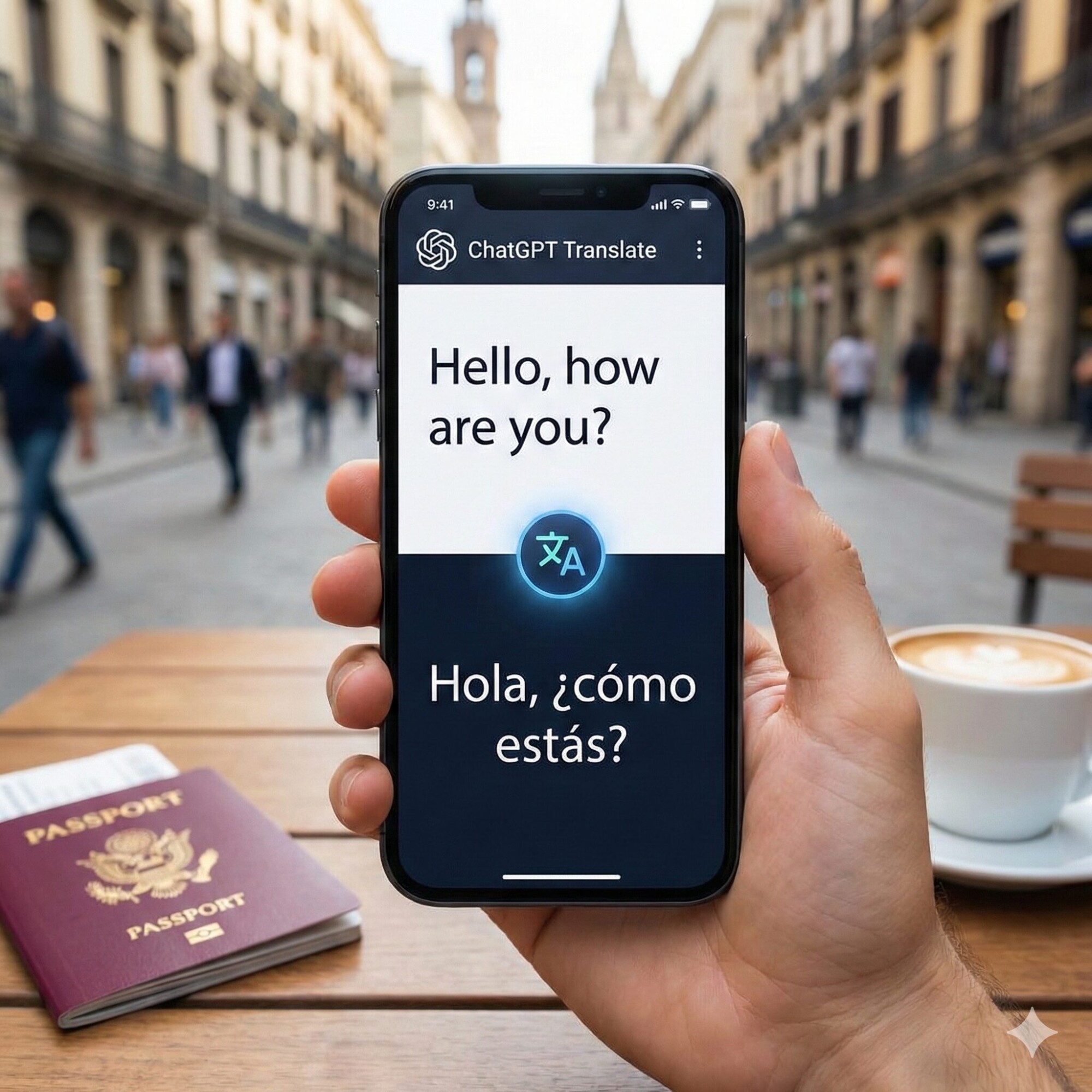
On the mobile app, tap the microphone icon. While it isn’t Real-time translation in the sense of a continuous conversation stream like a Babel Fish, it’s fast enough for ordering food or asking for directions.
ChatGPT Translate vs Google Translate: The Showdown
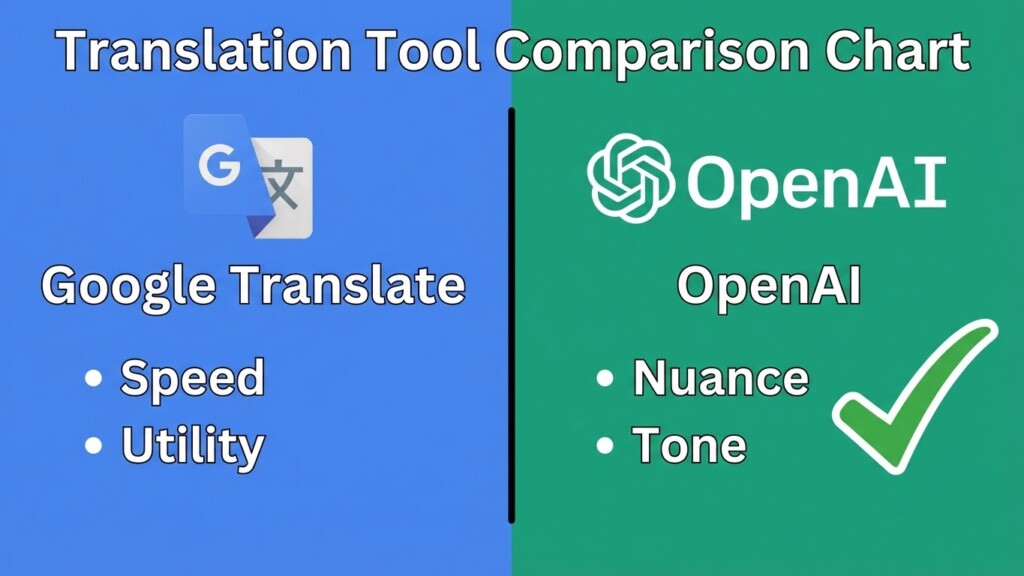
I get asked this question daily: “ChatGPT Translate vs Google Translate—which one wins?”
Here is my honest breakdown after extensive testing:
Google Translate
- Pros: Speed, 100+ languages, image translation (Google Lens), and offline mode.
- Cons: Context-blind. It often translates idioms literally, leading to awkward phrasing.
- Verdict: Best for quick, utility-based tasks (menus, road signs).
ChatGPT Translate
- Pros: nuance, tone control, cultural adaptation, and superior grammar handling.
- Cons: Slower generation time, fewer languages (50 vs 100+), no file uploads yet.
- Verdict: The winner for content creation, business communication, and learning.
Troubleshooting Common Issues
Even the best AI trips up. Here are common problems I’ve encountered and how to fix them.
1. The “Hallucination” Problem
Sometimes, ChatGPT Translate might add a sentence that wasn’t in the original text because it’s trying to be “helpful.”
Fix: Always cross-reference crucial numbers or names. Set the instruction to “Strict Translation” if possible.
2. Cut-off Responses
If you paste a 3,000-word document, it might stop halfway.
Fix: Break your text into chunks of 500-700 words. This also helps the model maintain better context focus.
3. Slang Misinterpretation
Local slang is tough.
Fix: Use the “Simple” tone setting first to strip away complexity, then switch to “Fluent.”
Pro Tips from a 15-Year Veteran
You want to use this tool like a pro? Here are my secrets:
- The “Back-Translation” Test: Translate English to Spanish, then take that result and translate it back to English using a different chat window. If the meaning survives the round trip, it’s solid.
- Code Comments: As an automation specialist, I use ChatGPT Translate to localize my Python scripts. It understands coding syntax and only translates the comments, not the variables.
- SEO Keywords: You can instruct it to “Translate this to French but keep the keyword ‘Marketing Automation’ in English.” Google Translate can’t do that.
Conclusion: Is It Worth the Switch?
We are living in a golden age of communication. ChatGPT Translate represents a massive leap forward, not because it knows more words, but because it understands intent. While it currently lacks features like Real-time translation for live conferences or image scanning, its ability to manipulate tone and style makes it indispensable for professionals.
If you care about how you sound—not just what you say—make the switch. I have moved 90% of my translation workflow to OpenAI, and my engagement metrics speak for themselves.
Don’t just take my word for it. Try the “Simple” vs. “Academic” toggle on your next email. You’ll never go back.
Frequently Asked Questions
Is ChatGPT Translate free to use?
Yes, the basic version is available to free users, but the speed and advanced tone features are optimized for Plus users.
Can it replace human translators?
For creative and high-stakes legal content, no. But for 90% of daily business and content tasks, it is dangerously close.
Does it support voice translation?
Yes, the mobile version supports microphone input, though it is not a continuous real-time conversation tool yet.