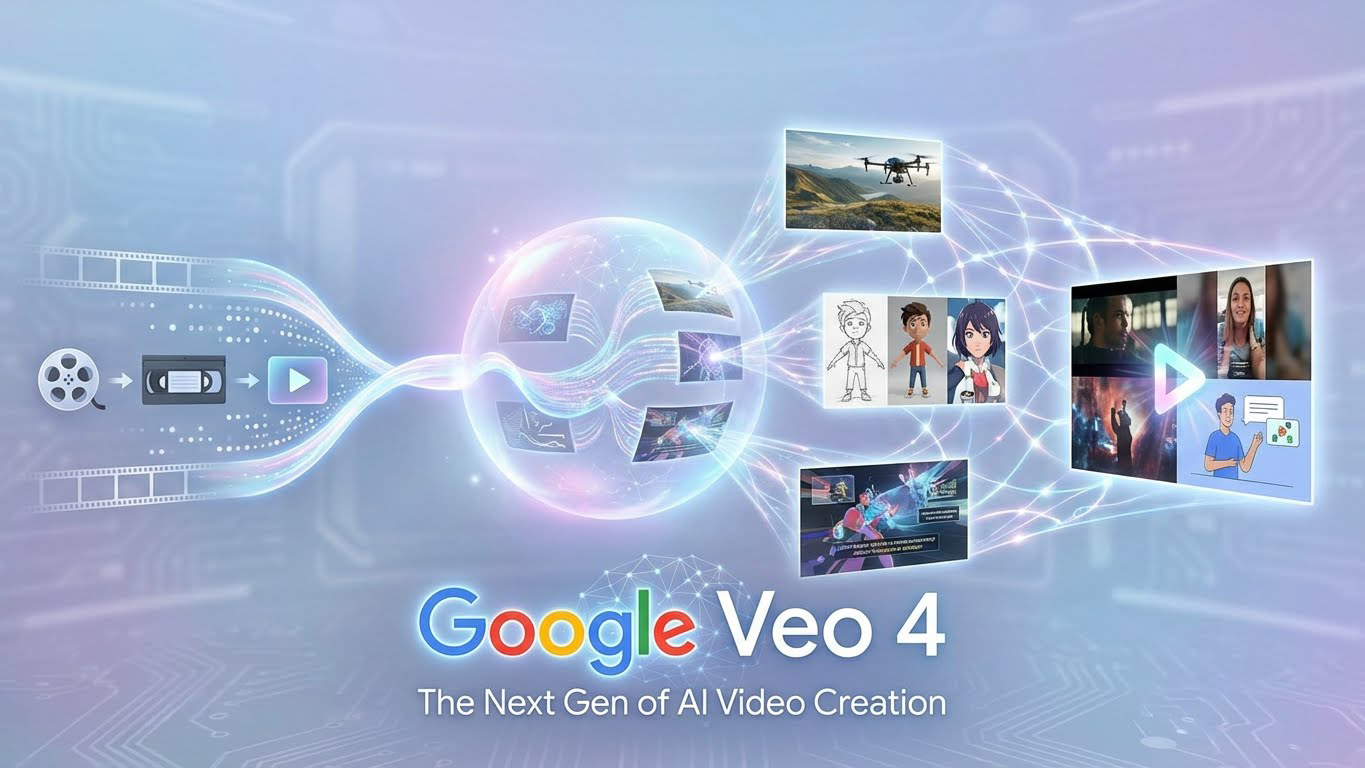
If you have spent as many late nights rendering video as I have over the last 15 years, you know the specific kind of fatigue that comes with post-production. But lately, the exhaustion hasn’t come from rendering; it’s come from wrestling with first-generation AI video tools. We’ve all been there: the flickering backgrounds, the characters that morph into terrifying shapes, and the resolution that looks like it was shot on a toaster.
I have been testing every major AI video generator since the early days of GANs, and while the progress is fast, it’s often messy. However, the whispers and research papers surrounding Google Veo 4 suggest we are about to hit a turning point.
This isn’t just another incremental update. Based on what we are seeing from the current Veo 3.1 architecture and Google’s DeepMind research, Google Veo 4 is shaping up to be the first tool that might actually let us leave the “uncanny valley” behind. It promises to push the boundaries of resolution, temporal coherence, and audio integration in ways we haven’t seen yet.
In this deep dive, I’m going to break down exactly what we know, compare it to the competition, and show you how to future-proof your workflow today using the current Veo ecosystem so you are ready the second the Google Veo 4 release date is announced.
The Current State of AI Video: Why We Need a Leap
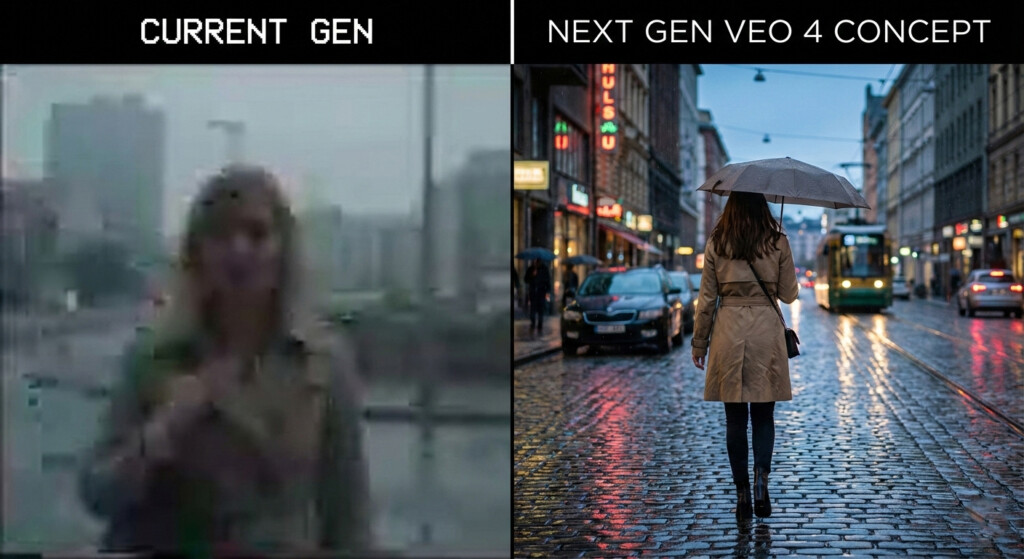
To understand the hype, we have to look at the baseline. Right now, I use Veo 3.1 inside Artlist for my daily workflow. It is a fantastic text-to-video model for storyboarding and mood reels. It gives us 1080p output, decent camera controls, and native audio. But let’s be honest—it has limits.
The “pain point” for most of us professionals is continuity. You generate a stunning clip of a character, but in the next shot, their shirt changes color, or they suddenly look ten years older. This inconsistency makes it impossible to tell a linear story without hours of fixing in After Effects.
This is exactly the gap that Google Veo 4 is engineered to fill. We aren’t just looking for “cooler” videos; we are looking for a production-ready asset generator.
Google Veo 4 Features: What to Expect from the Next Gen
Drawing from my analysis of Google’s trajectory with the “Nano Banana Pro” image model and current market behaviors, here is what I anticipate Google Veo 4 will bring to our timelines.
1. True 4K Resolution (Finally)
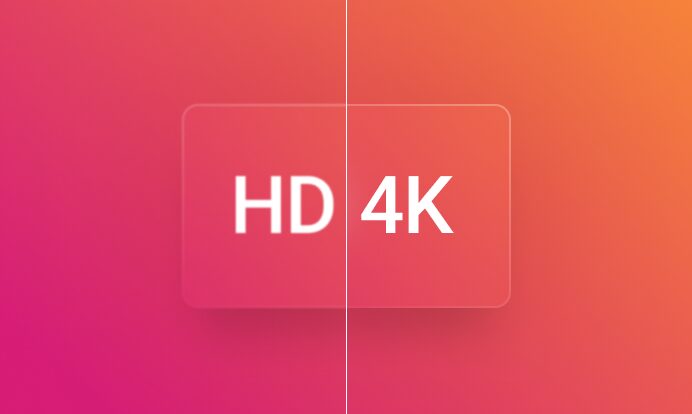
One of the biggest hurdles for commercial adoption of cinematic AI video is resolution. Upscaling 1080p footage often results in digital artifacts that scream “AI-generated.” Google Veo 4 is expected to support native 4K generation. This is huge. It means the difference between a video being used for an Instagram Story versus a high-end brand landing page.
2. “Nano Banana” Level Character Consistency
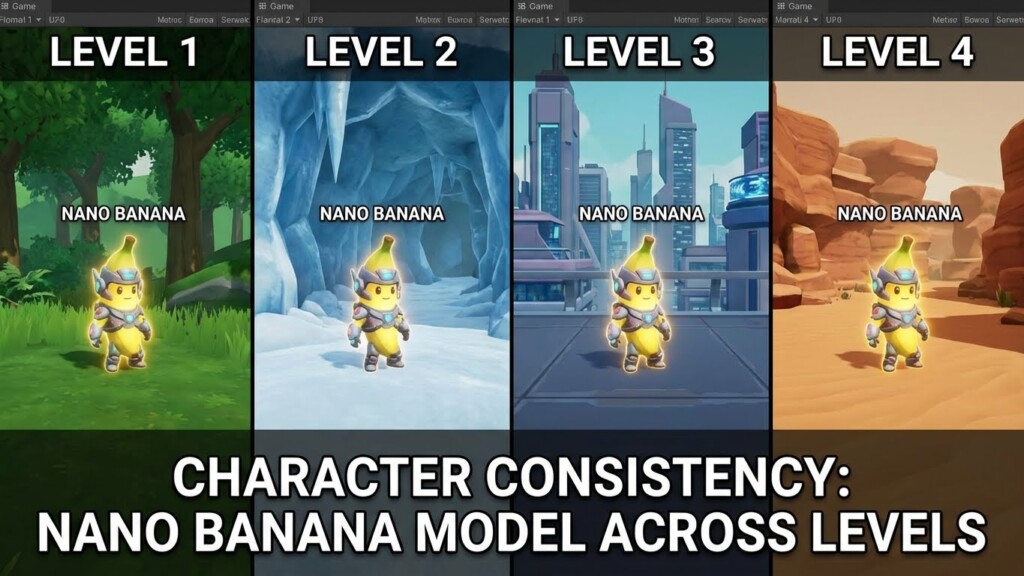
This is the holy grail. Google’s image model, Nano Banana Pro, is currently the market leader in keeping characters “on-model” (keeping their face and clothes the same across different images). Google Veo 4 will likely integrate this architecture. Imagine generating a reference sheet for a character and having the AI video adhere to that reference for a full 60-second sequence. That changes everything for narrative filmmakers.
3. Enhanced Audio-Visual Sync
Veo 3.1 introduced native audio, but it’s often muddy or slightly out of sync. The next generation is expected to tighten this up significantly, offering expressive vocals and distinct sound design that reacts to the physics of the scene. If Google Veo 4 pulls this off, it becomes an all-in-one production studio.
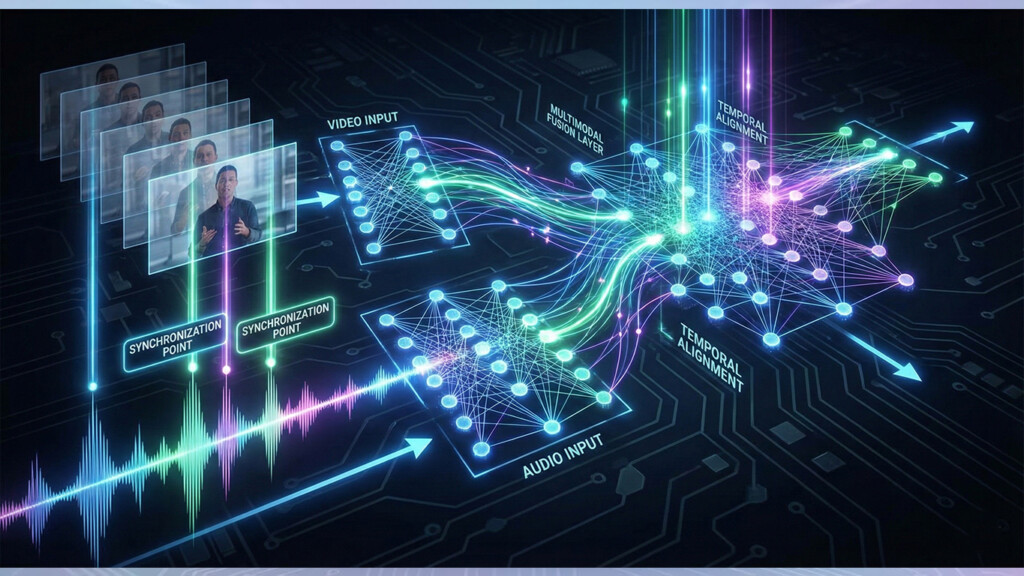
Pro Tip: Audio is often the “tell” for AI video. Even with improvements, I always recommend layering your own sound effects over the AI-generated audio to add depth and hide synthetic artifacts.
Google Veo vs Sora: The Clash of Titans
You can’t talk about Google Veo 4 without mentioning its primary rival. The Google Veo vs Sora debate is heating up. While Sora 2 has shown incredible physics simulation, Google has a distinct advantage: ecosystem integration.
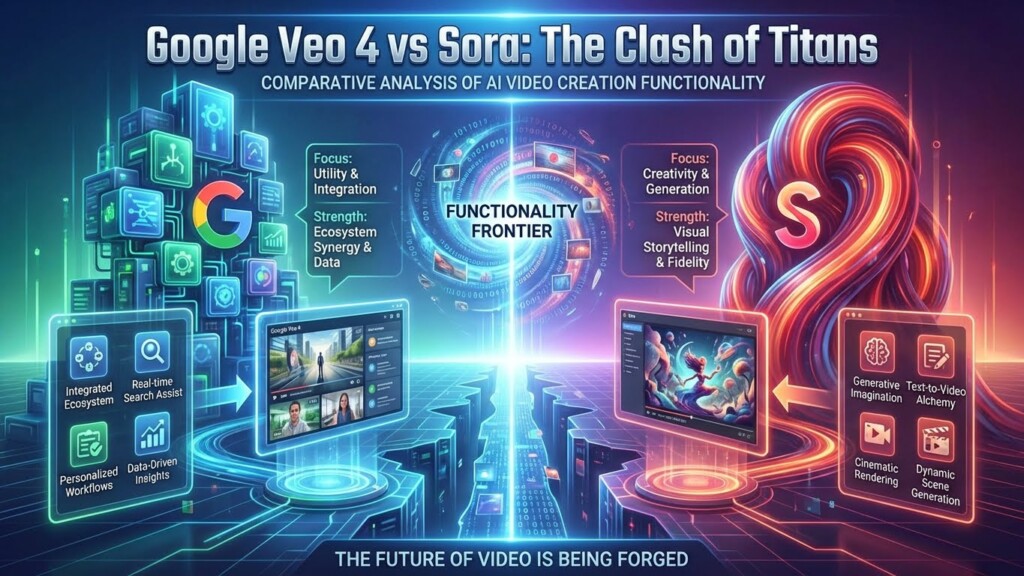
Because Veo is being integrated into platforms creators already use (like YouTube Shorts and workspace tools), it has a “usability” edge. Furthermore, Google DeepMind AI has arguably better multilingual capabilities. For those of us working with global clients, the ability to generate accurate on-screen text in multiple languages is a feature where I expect Google Veo 4 to completely outpace the competition.
How to Prepare Your Workflow for Google Veo 4
Here is the reality: If you wait until the official launch to start learning these prompts, you will be six months behind. The logic of Google Veo 4 will be an evolution of Veo 3.1. I have been spending hours every week in Artlist using the current models to build a library of “winning prompts.”
Here is my step-by-step guide on how to prepare your assets and workflow right now, so you are ready to plug-and-play on day one.
Step 1: Build Your “Golden” Prompt Library
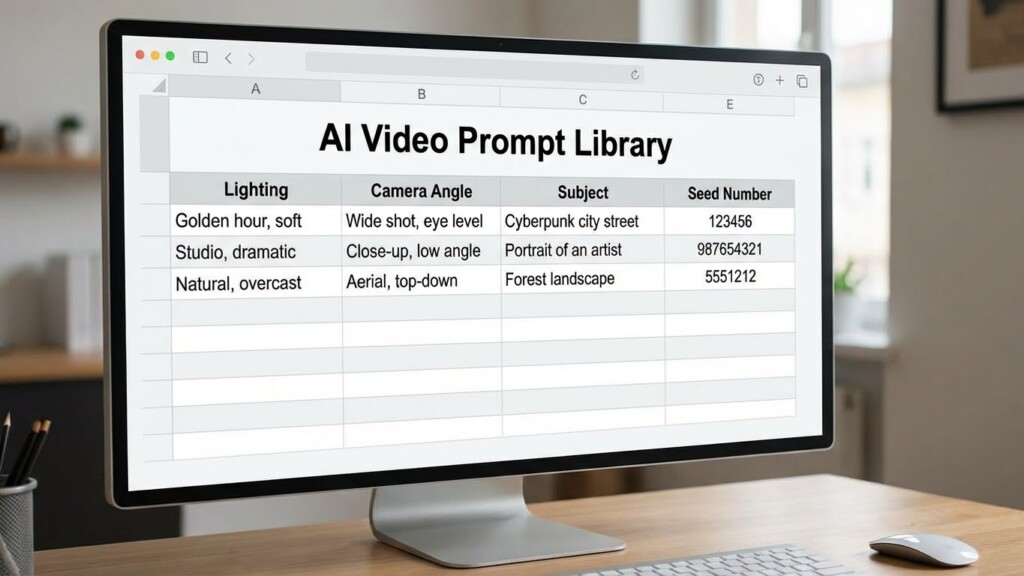
The syntax for Google DeepMind AI video models relies heavily on specific camera terminology. Start categorizing your prompts by camera movement (e.g., “Truck left,” “Dolly zoom,” “Rack focus”).
I have found that Veo 3.1 responds best when you structure prompts like this: [Subject Description] + [Action] + [Environment] + [Camera Move] + [Lighting Style]. Master this syntax now, and you will control Google Veo 4 effortlessly.
Step 2: Create Character Reference Sheets using Image-to-Video
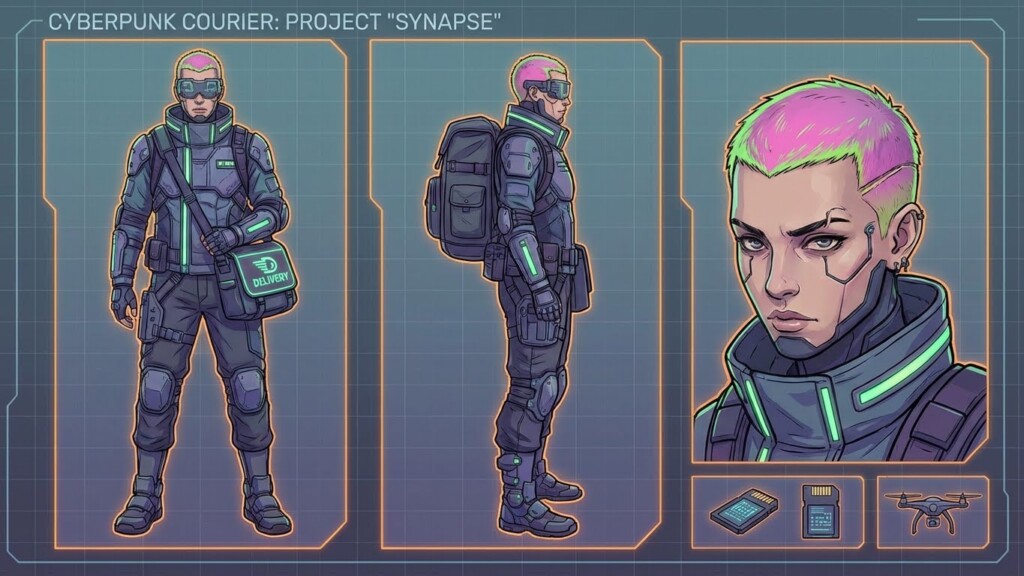
Since Google Veo 4 features are expected to rely heavily on image-to-video capabilities for consistency, you need to get good at generating static character sheets. Do not just generate a video from text. Generate the perfect image first.
Use a high-end image generator to create a character in a “T-pose” or neutral stance, and then different angles (profile, 45-degree, back). Save these. These will be your “anchors” when you feed them into Google Veo 4.
Step 3: Establish a 4K Editing Timeline
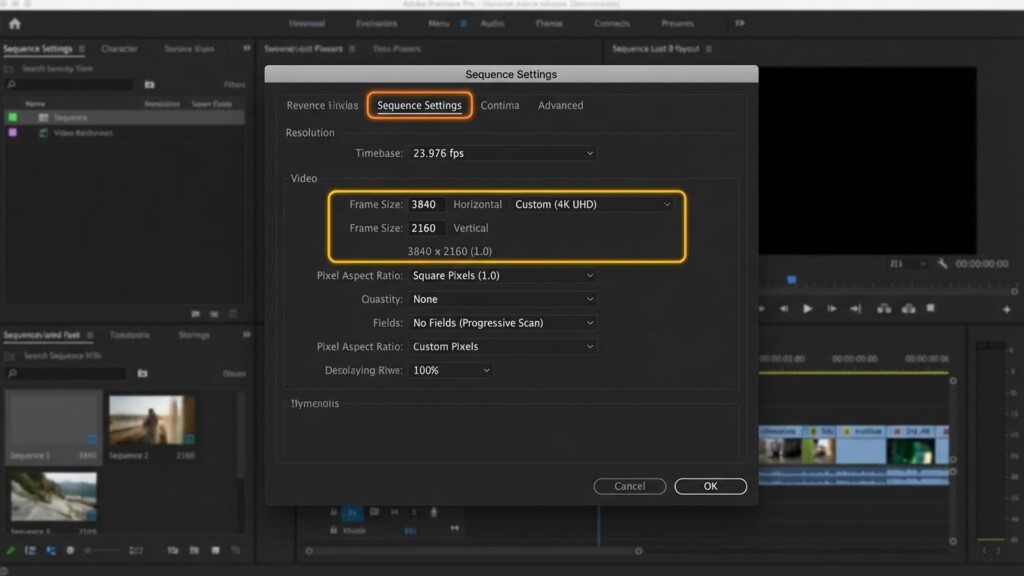
Even though we are currently limited to 1080p, start setting up your Premiere Pro or DaVinci Resolve projects in 4K. Use upscalers (like Topaz) on your current Veo 3.1 footage to simulate the workflow. This helps you spot where the AI struggles with details like hair or water textures, which are the exact areas we expect Google Veo 4 to solve.
When the new model drops, you can simply swap out the upscaled proxy files for the native 4K Google Veo 4 files without rebuilding your edit.
Expert Troubleshooting: Common Issues & Fixes
Even with a tool as advanced as Google Veo 4 promises to be, AI is not magic. It is math. Here are common issues I encounter with DeepMind models and how I fix them—these skills will be essential for the next generation too.
- The “Morphing” Hand Glitch: AI still hates hands.The Fix: Don’t prompt for “holding” complex objects if you can avoid it. Instead, prompt for “hands in pockets” or frame the shot tight on the face (Close-Up) to crop hands out.
- Text Hallucinations: Sometimes the AI tries to write text on street signs that looks like alien hieroglyphics.The Fix: Use the negative prompt feature (if available) to type “text, signage, logos.” If Google Veo 4 follows Nano Banana Pro’s lead, the text accuracy will be better, but always double-check spelling in the generated video.
- Physics Breaks: A character walks through a table instead of around it.The Fix: This usually happens when the “guidance scale” is too high. Lower your guidance scale slightly to let the model follow its internal physics logic rather than forcing your prompt too hard.
Pro Tips for Power Users
Expert Insight: “Don’t ignore the ‘Seed’ number. When you generate a clip you love in Veo 3.1, write down the Seed number. In future iterations like Google Veo 4, reusing a Seed number is often the key to recreating a specific lighting condition or camera vibe across different shots. It is the closest thing we have to saving a ‘preset’ in the AI world.”
Conclusion: The Future is rendering…
We are standing on the precipice of a massive shift in content creation. Google Veo 4 represents the maturity of AI video—moving from “cool tech demo” to “reliable production tool.” With the promise of 4K resolution, better character persistence, and usable audio, it is poised to be a dominant force in the market.
However, the tool is only as good as the artist wielding it. Don’t sit back and wait for the Google Veo 4 release date to start practicing. Jump into Artlist or other platforms hosting Veo 3.1 today. Build your prompt libraries. Refine your eye for AI motion.
The creators who master the logic of these models today are the ones who will dominate the industry tomorrow. Are you ready to upgrade your workflow? I know I am.
Check out the latest research directly from Google DeepMind’s official page to stay updated on the technical specs.
Frequently Asked Questions about Google Veo 4
When is the Google Veo 4 release date?
While Google has not officially confirmed a specific date, industry patterns and the lifecycle of Veo 3.1 suggest we can expect announcements regarding Google Veo 4 in late 2024 or early 2025. Keep an eye on Google I/O events for updates.
How do I use Google Veo 4?
Once released, how to use Google Veo 4 will likely be similar to Veo 3.1. It will be available through Google’s trusted tester labs (VideoFX) and integrated into third-party creative platforms like Artlist for text-to-video and image-to-video workflows.
Is Google Veo 4 free to use?
High-end generative video requires significant computing power. It is highly likely that Google Veo 4 will be part of a paid subscription model, potentially bundled with Gemini Advanced or available via credit-based systems on partner platforms.
Can Google Veo 4 generate sound?
Yes. Building on Veo 3.1 capabilities, Google Veo 4 is expected to feature advanced native audio generation, including synchronized dialogue, sound effects, and ambient noise, reducing the need for extensive post-production audio work.
Good